Free templates
Templates that come with their spreadsheet
Most template downloads hand you one blank document and wish you luck. These come as a pair: a finished page, and the sheet that filled it, twelve real rows with the columns already named. Take the PDF on its own if that is all you need. Hand over both and you get the whole batch.
No signup · No email · No watermark
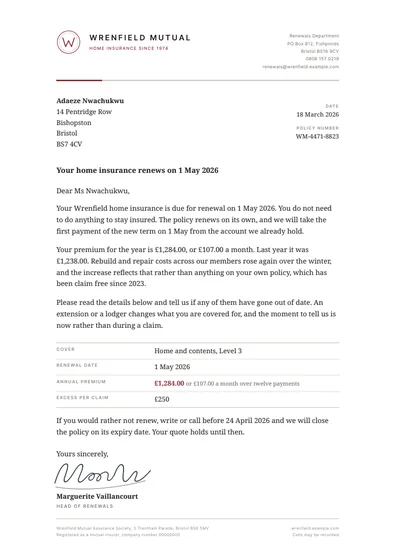 Mail merge letterA mail merge letter template that is already a finished document: a renewal notice on a proper letterhead, with the contact spreadsheet behind it. Row one is filled in and eleven more rows are waiting.Get the template
 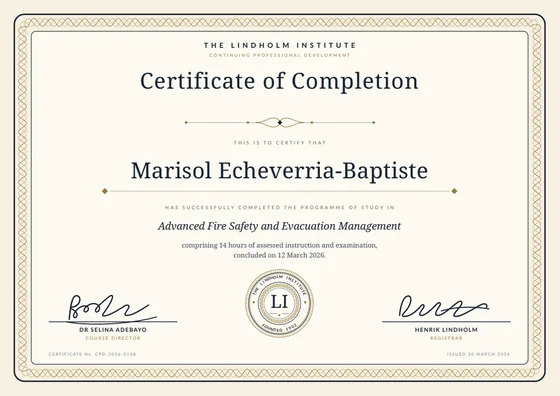 Course completion certificateA landscape A4 course completion certificate with a drawn guilloche border and a proper seal, set so the attendee name is the largest thing on the page. Beside it sits the attendee sheet that fills it in, one row per person.Get the template
 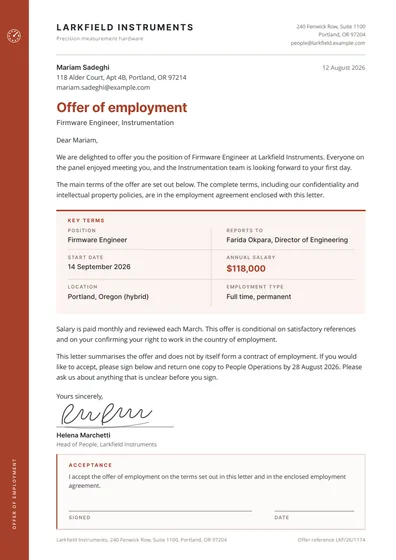 Job offer letterA job offer letter template that reads like something a real HR team sends. The key terms sit in their own panel, so the candidate lands on the salary and the start date before anything else, and the acceptance block at the foot gives them somewhere to sign. It comes with the candidate spreadsheet behind it.Get the template
 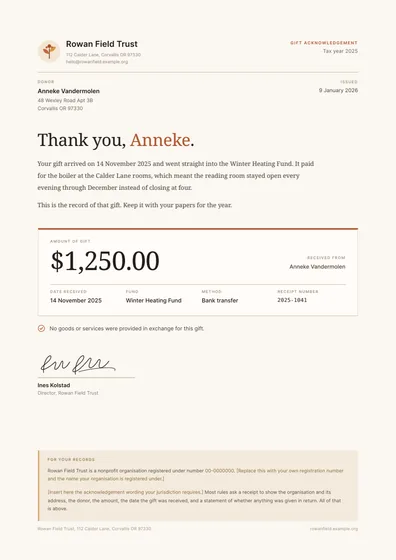 Donation receiptA one page donation receipt template with the donor spreadsheet behind it: a warm opening line over a gift summary block with the amount set large, and a record keeping panel you fill in with your own registration number and wording.Get the template
 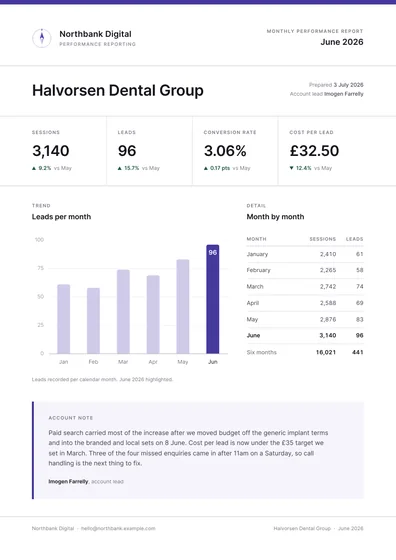 Monthly client reportA one-page monthly report template for agency clients, with the metrics spreadsheet that fills it. Four headline numbers and one chart, then the note the client will read before anything else.Get the template
The license, in one paragraph
Free for personal and commercial use. Rebrand them, edit them however you need, and bill for the work you do with them. No attribution is required, though a link back to the template page is appreciated when you write about one. The only thing we ask is that you do not repost the template files themselves as your own download.
Frequently asked questions
- Do I have to sign up to download these?
- No. Every file on these pages downloads without an account, an email address, or a watermark. You need an account only if you want SheetRender itself to render one PDF per spreadsheet row for you.
- Can I use them commercially?
- Yes. Use them at work, edit them, rebrand them, and hand the results to clients. A credit link back to the template page is appreciated and never required. The one thing we ask is that you do not repost the template files themselves as your own download.
- Why does each template come with a spreadsheet?
- Because almost nobody needs one certificate. The document is the design; the spreadsheet is which column fills which line, already loaded with twelve example rows. Download both and you have a worked example of the job rather than a blank page to stare at.
- What can I open the HTML file with?
- Any browser will display it, and any text editor will edit it. Each one is a single self-contained file with its CSS inline, so there is nothing else to download and no build step. Print it to PDF from the browser if you want to change the design and re-export.
- Can I edit these in Word or Google Docs?
- Not directly. They are HTML and PDF rather than .docx, because that is what keeps the layout identical everywhere instead of reflowing per machine. If Word is where you need to end up, the PDF imports reasonably well for light edits, though you should expect to redo the spacing.